Modern Digital Group
Your connected space for what matters.
Opening Modern Digital Group…
Modern Digital GroupYour connected space for what matters.
Opening Modern Digital Group…
Modern Digital GroupYour connected space for what matters.
Opening Modern Digital Group…
Modern Digital GroupA local editing workspace for media that belongs on your computer. Use CutStudio with MDG Desktop or review the available CutStudio download from its setup page.
A compatible Mac app and working local engine are required. Review the current download and device requirements before installing.
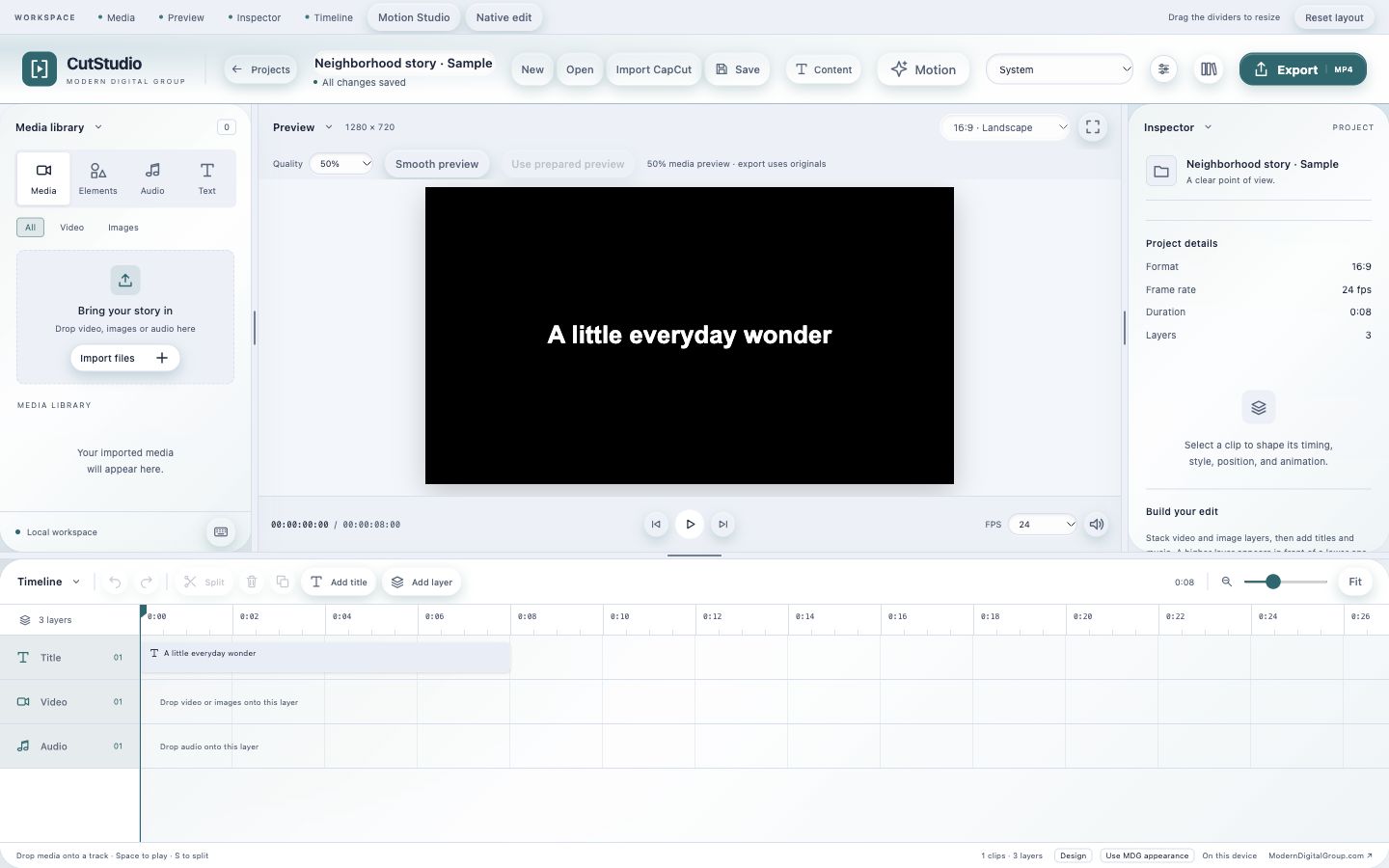
Edit video and audio locally, then export a finished piece.
Arrange video and audio in the editor and keep the working project separate from the final export.
Supported CapCut draft imports create separate MDG copies. Keep original projects and linked media intact.
Export finished video or audio for the next tool. Opening another editor does not automatically transfer its timeline or layers.
A compatible Mac app and working local engine are required. Review the current download and device requirements before installing.
Explore the rest of MDGReview the setup page and open the compatible local app.
Import your media or a supported project copy and make the edit.
Save the working project and export the finished piece.
The app’s current availability and your account’s access still apply.
This CutStudio route is for the Mac/local workflow. The setup page explains its current availability and requirements.
Supported imports are separate MDG copies. Preserve your originals and source media; do not remove them as part of an import.
Start with your existing MDG sign-in. Connected apps keep their own records, device requirements and access rules. A shared sign-in does not combine every project, plan or paid feature.
A compatible Mac app and working local engine are required. Review the current download and device requirements before installing.
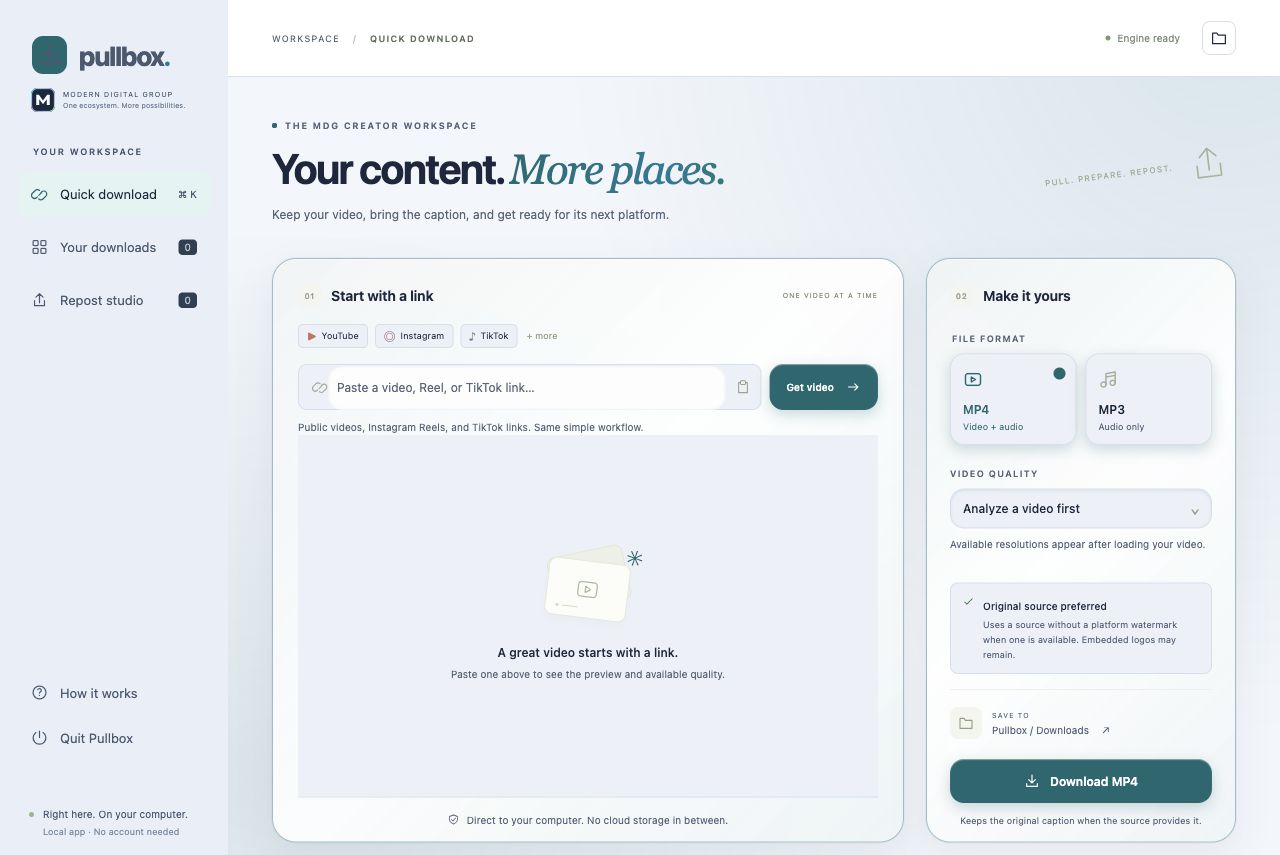
Bring supported public media into your local creative workflow.
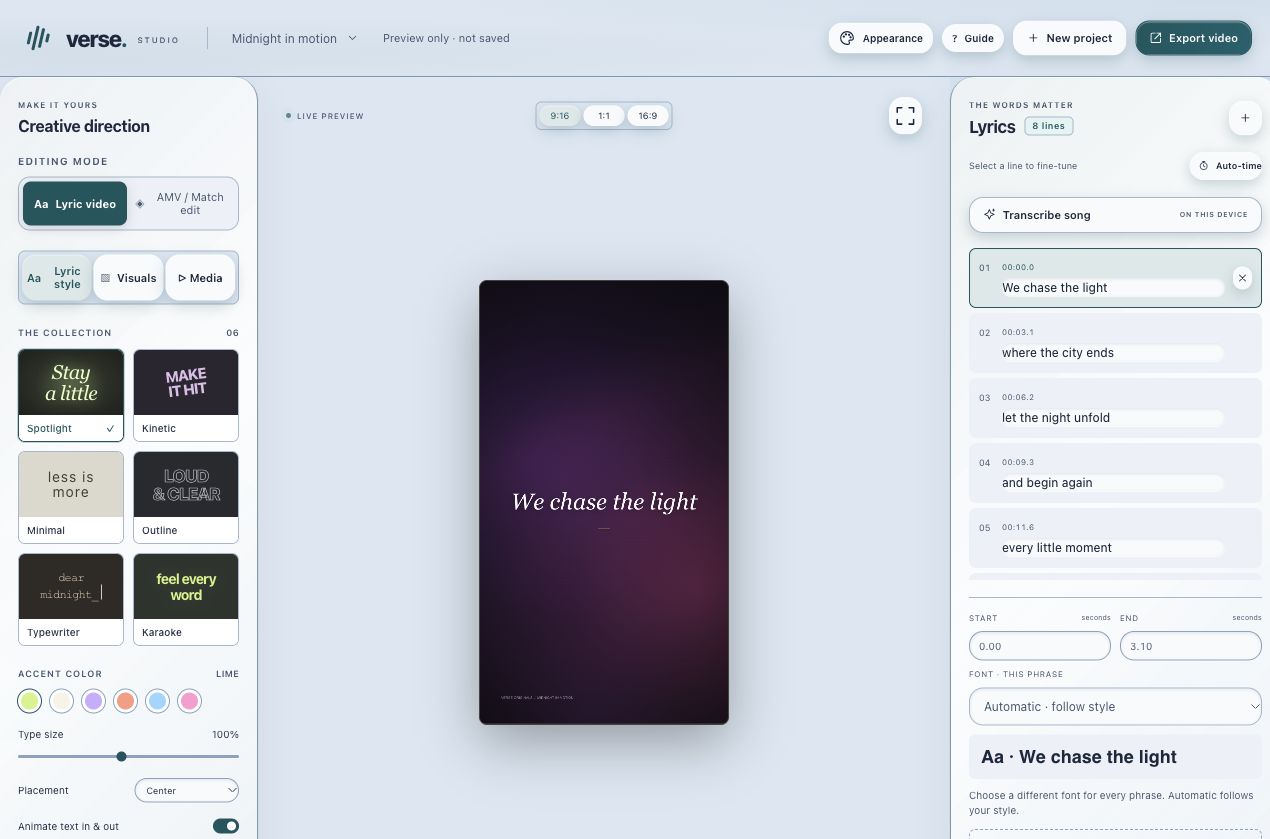
Make music-led videos with timed lyrics, visual styles and editable projects.
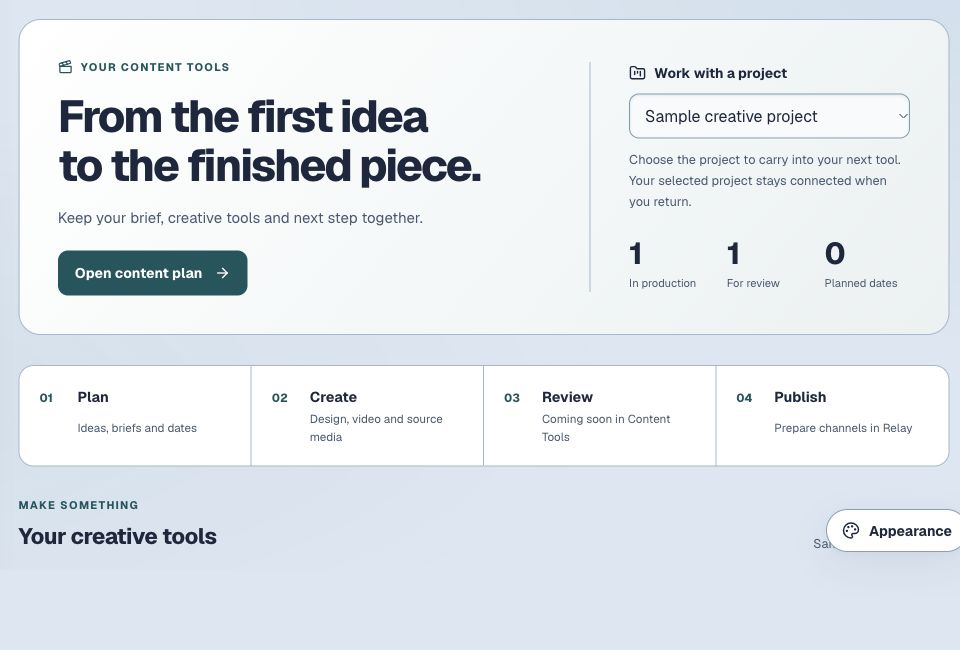
Keep ideas, drafts, media and your next creative step together.