Modern Digital Group
Your connected space for what matters.
Opening Modern Digital Group…
Modern Digital GroupYour connected space for what matters.
Opening Modern Digital Group…
Modern Digital GroupYour connected space for what matters.
Opening Modern Digital Group…
Modern Digital GroupPlan the work in MDG, then use the right creative tool to make it. Content Tools gives the brief and follow-up a shared home without taking ownership of every editor’s project.
Available when enabled in your workspace. Creative apps keep their own runtime, storage and access requirements.
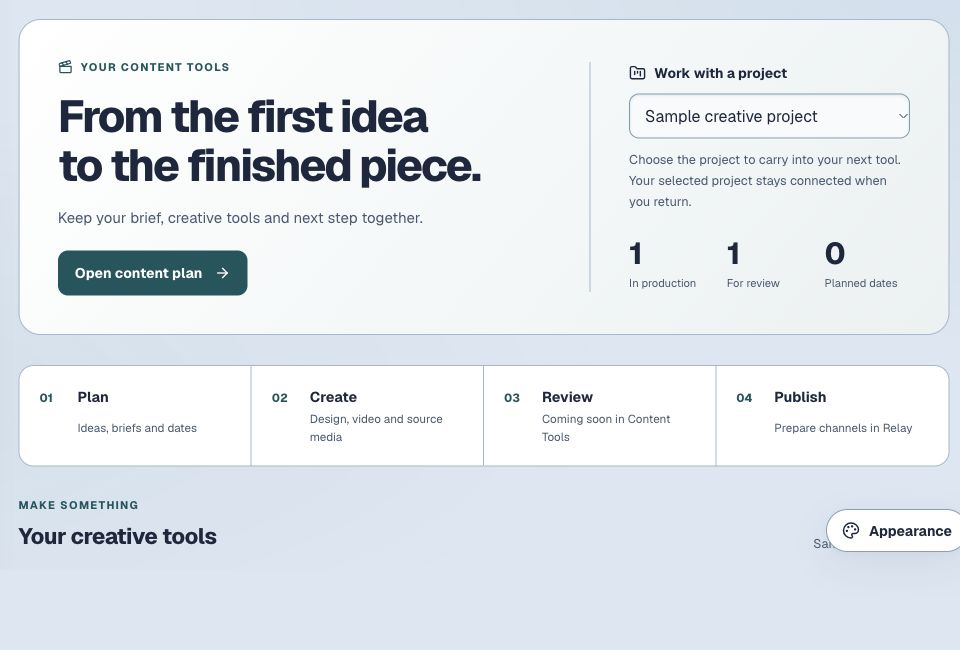
Keep ideas, drafts, media and your next creative step together.
Organize the idea and its next steps where collaborators can find the context they are allowed to see.
Continue in Frame, Verse Studio or a supported desktop tool through MDG’s existing app launch.
Keep drafts and finished exports deliberate. Preparing content does not automatically publish it to social accounts.
Available when enabled in your workspace. Creative apps keep their own runtime, storage and access requirements.
Explore the rest of MDGCapture the idea and define the piece you want to make.
Open the relevant design, video or media tool.
Bring the finished export back to the plan and choose how to share it.
The app’s current availability and your account’s access still apply.
No. Each editor keeps its own project format and storage. Use supported exports and explicit handoffs to move finished media.
No. Content preparation and outside publishing are separate. A plan alone does not connect or authorize a social account.
Start with your existing MDG sign-in. Connected apps keep their own records, device requirements and access rules. A shared sign-in does not combine every project, plan or paid feature.
Available when enabled in your workspace. Creative apps keep their own runtime, storage and access requirements.
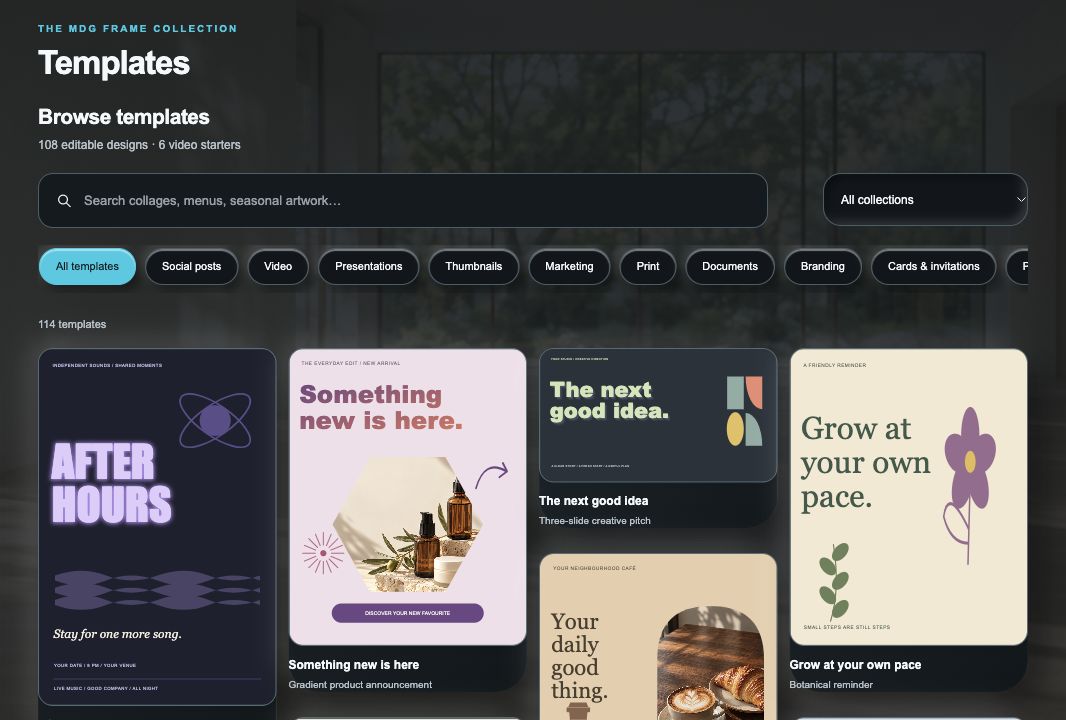
Create graphics, covers and visual layouts in a dedicated creative space.
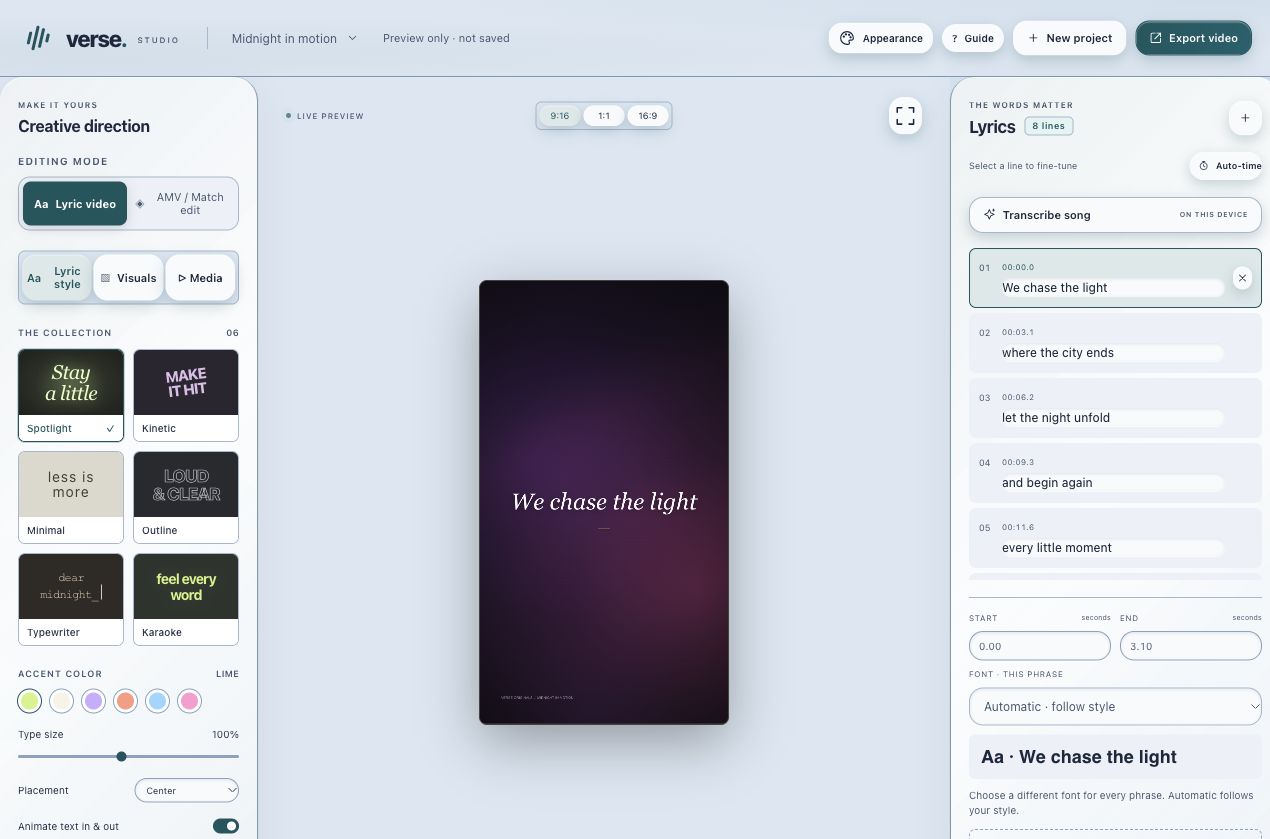
Make music-led videos with timed lyrics, visual styles and editable projects.
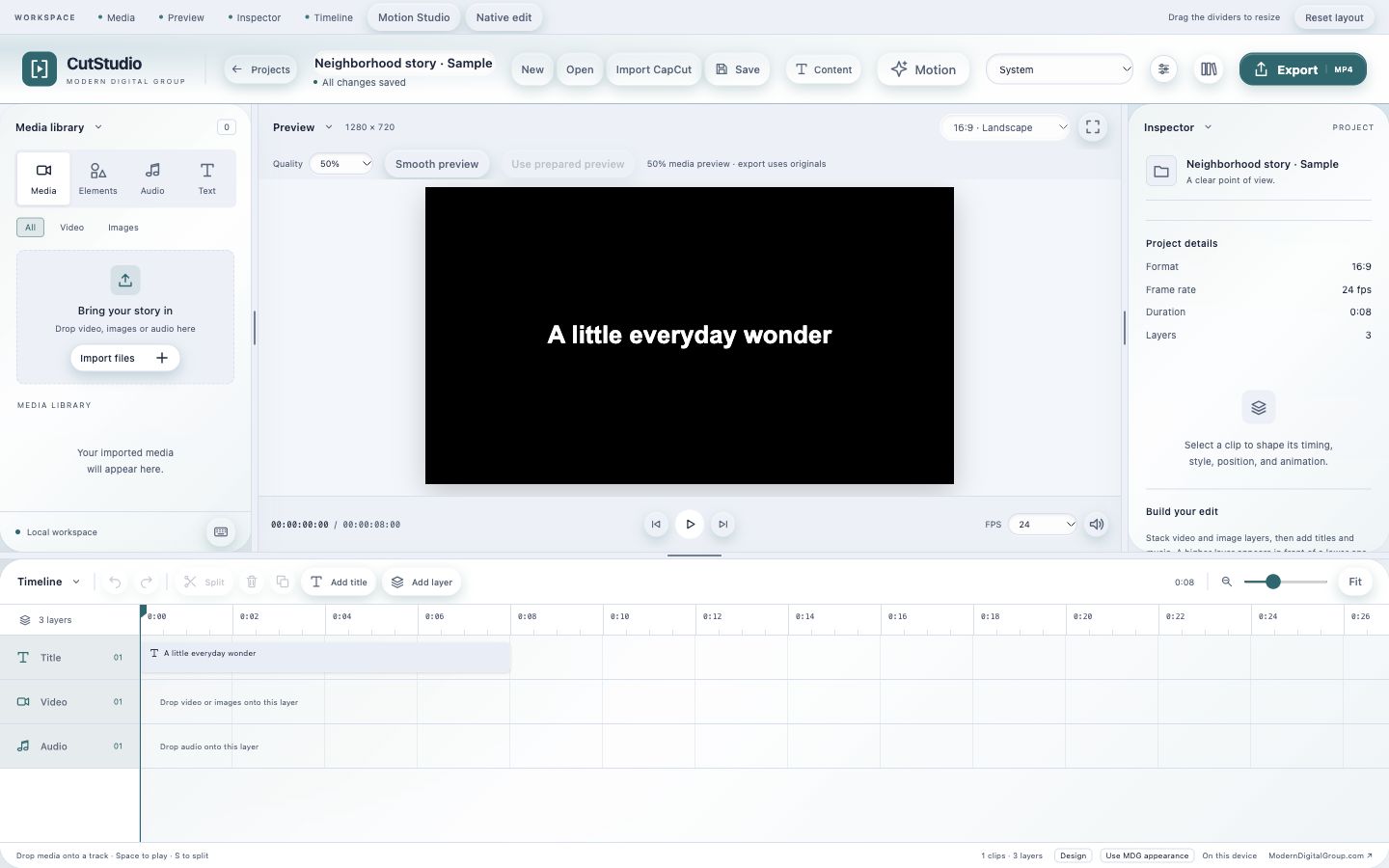
Edit video and audio locally, then export a finished piece.