Modern Digital Group
Your connected space for what matters.
Opening Modern Digital Group…
Modern Digital GroupYour connected space for what matters.
Opening Modern Digital Group…
Modern Digital GroupYour connected space for what matters.
Opening Modern Digital Group…
Modern Digital GroupShape the way a song appears on screen. Work with the words, timing and visuals, then keep the editable project alongside the finished video.
The browser app opens through MDG. Editable projects and media use the app’s local device storage; shared sign-in does not imply automatic cloud project sync.
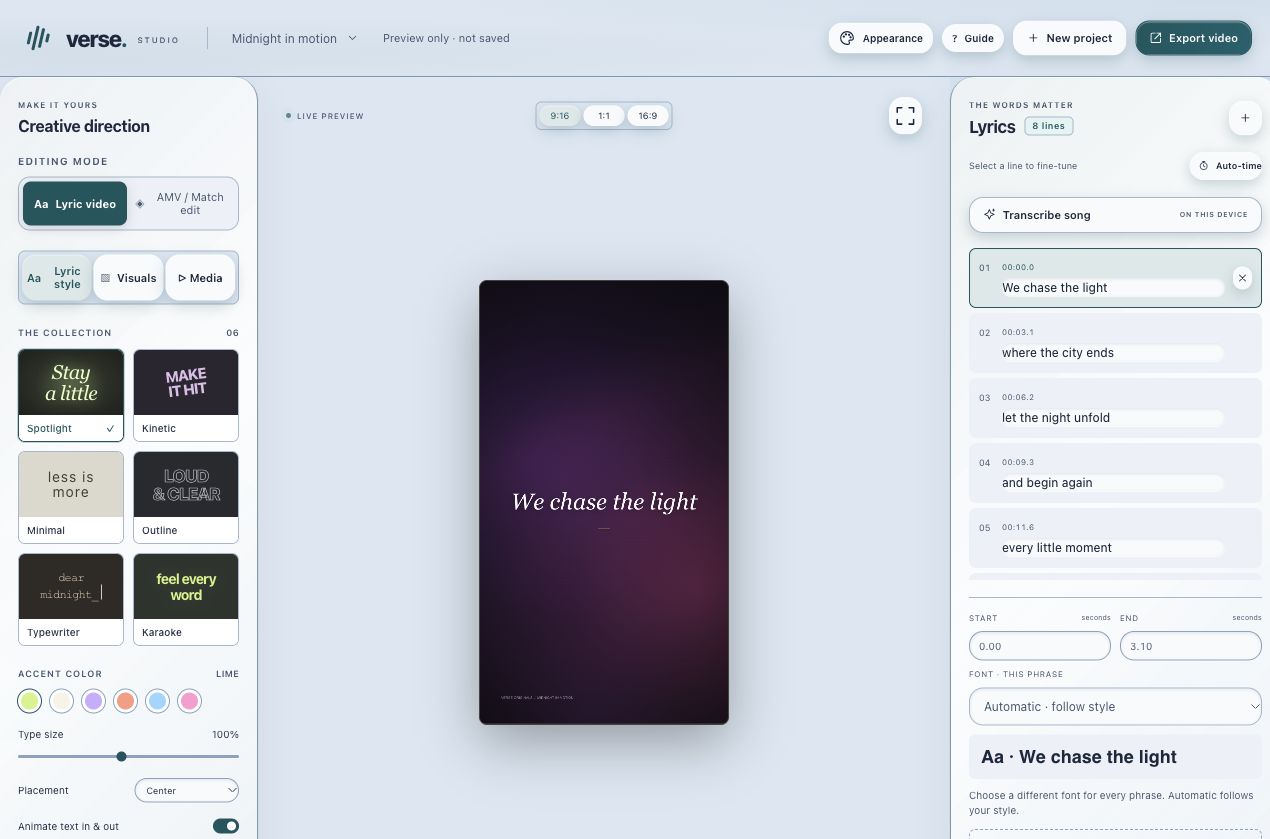
Make music-led videos with timed lyrics, visual styles and editable projects.
Work with timed lyrics so the visible words follow the music.
Choose and adjust visual styles for the piece you want to make.
Save editable project copies and export the video. Preserve the source audio and media for later changes.
The browser app opens through MDG. Editable projects and media use the app’s local device storage; shared sign-in does not imply automatic cloud project sync.
Explore the rest of MDGBring in audio you own or have permission to use.
Arrange lyrics, timing and the visual treatment.
Preview the piece, save the project and export the video.
The app’s current availability and your account’s access still apply.
No. Verse’s browser projects and media remain device-local. Keep editable exports as backups.
Use audio and other media you own or have permission to use. Exporting a video does not grant rights to its source material.
Start with your existing MDG sign-in. Connected apps keep their own records, device requirements and access rules. A shared sign-in does not combine every project, plan or paid feature.
The browser app opens through MDG. Editable projects and media use the app’s local device storage; shared sign-in does not imply automatic cloud project sync.
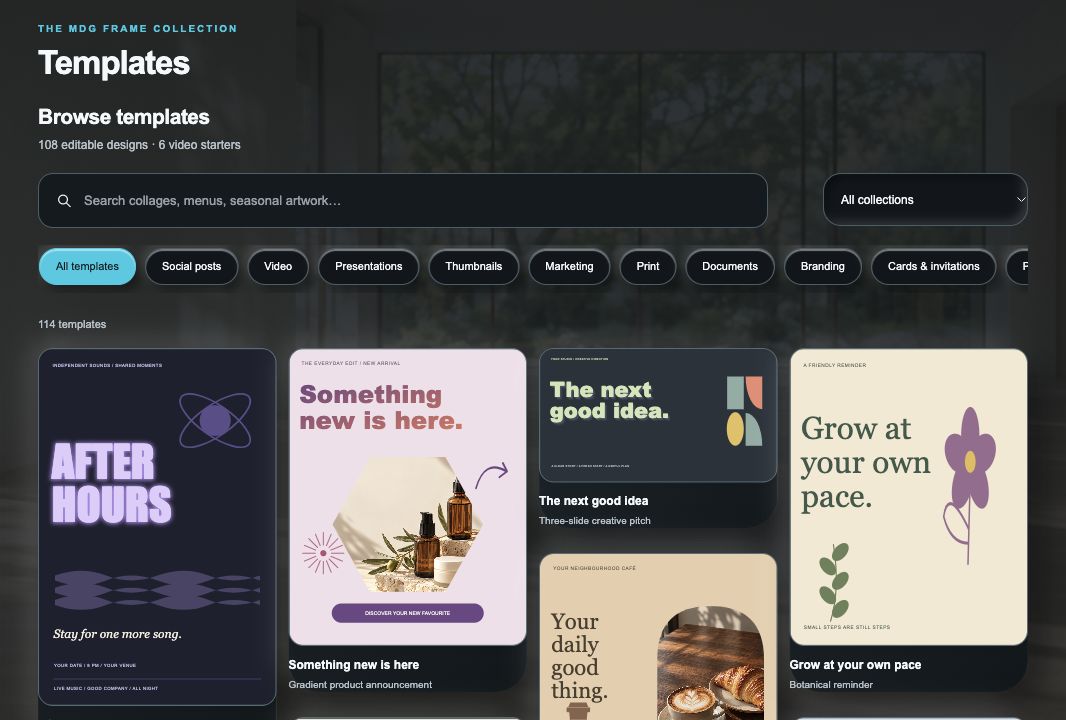
Create graphics, covers and visual layouts in a dedicated creative space.
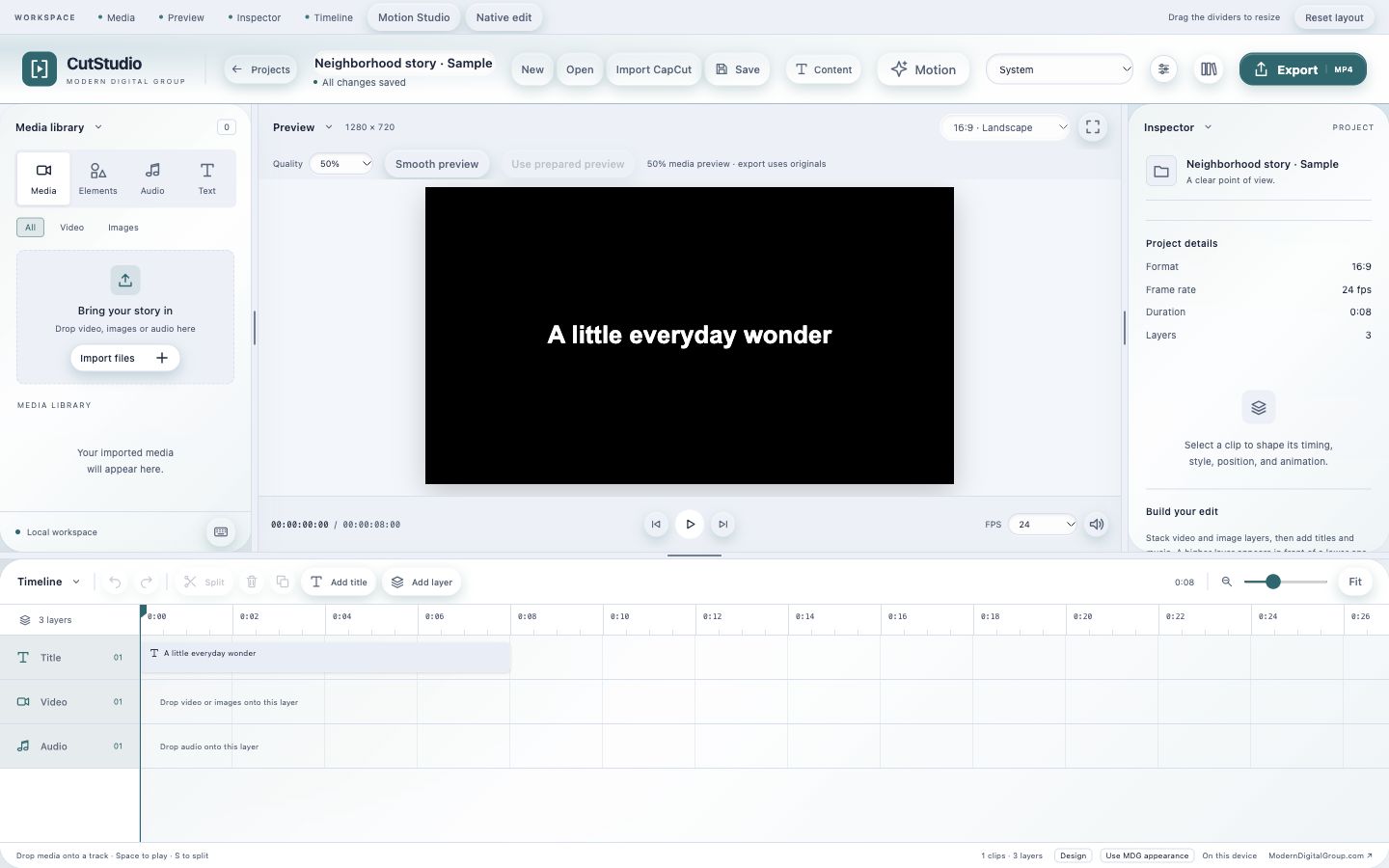
Edit video and audio locally, then export a finished piece.
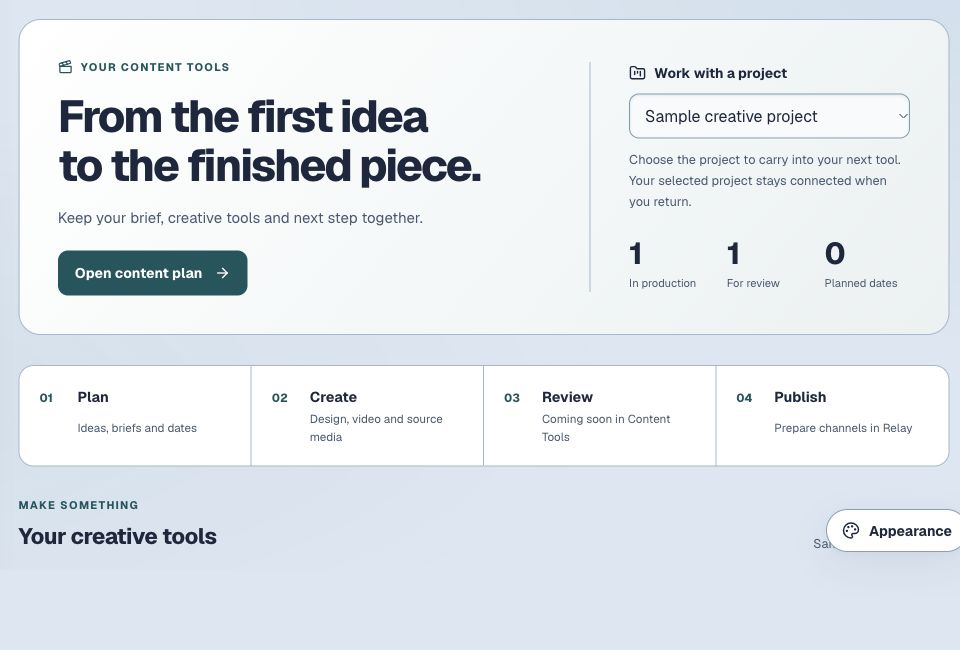
Keep ideas, drafts, media and your next creative step together.