Modern Digital Group
Your connected space for what matters.
Opening Modern Digital Group…
Modern Digital GroupYour connected space for what matters.
Opening Modern Digital Group…
Modern Digital GroupYour connected space for what matters.
Opening Modern Digital Group…
Modern Digital GroupUse PullBox in MDG Desktop to work with supported public media links and keep imported files on your Mac. Review the source and permissions before you download or reuse a piece.
The desktop workflow requires MDG Desktop and its local import engine. Source availability, captions and downloads depend on the original platform.
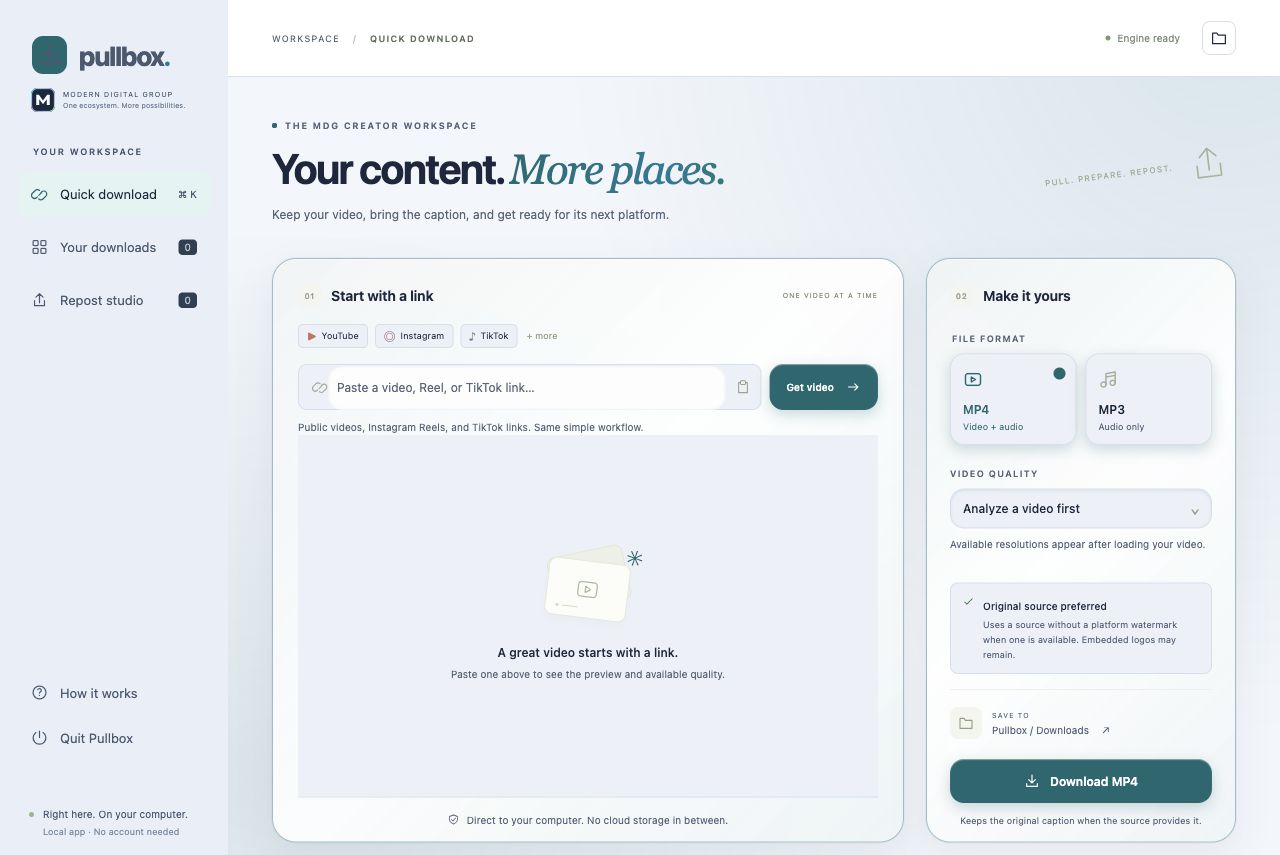
Bring supported public media into your local creative workflow.
Use supported public source links instead of treating a private or unavailable page as downloadable media.
Imported media, history and repost drafts stay in the app’s local workflow and chosen folders.
Prepare media and caption material for a deliberate handoff. Repost preparation does not automatically publish it.
The desktop workflow requires MDG Desktop and its local import engine. Source availability, captions and downloads depend on the original platform.
Explore the rest of MDGOpen PullBox in the supported MDG Desktop workflow.
Check the public source and your permission to use it.
Import the available media, then review its next use.
The app’s current availability and your account’s access still apply.
No. Source restrictions, availability and supported formats can change what can be imported.
No. Use media you own or have permission to save and reuse. Existing branding within video pixels may remain.
Start with your existing MDG sign-in. Connected apps keep their own records, device requirements and access rules. A shared sign-in does not combine every project, plan or paid feature.
The desktop workflow requires MDG Desktop and its local import engine. Source availability, captions and downloads depend on the original platform.
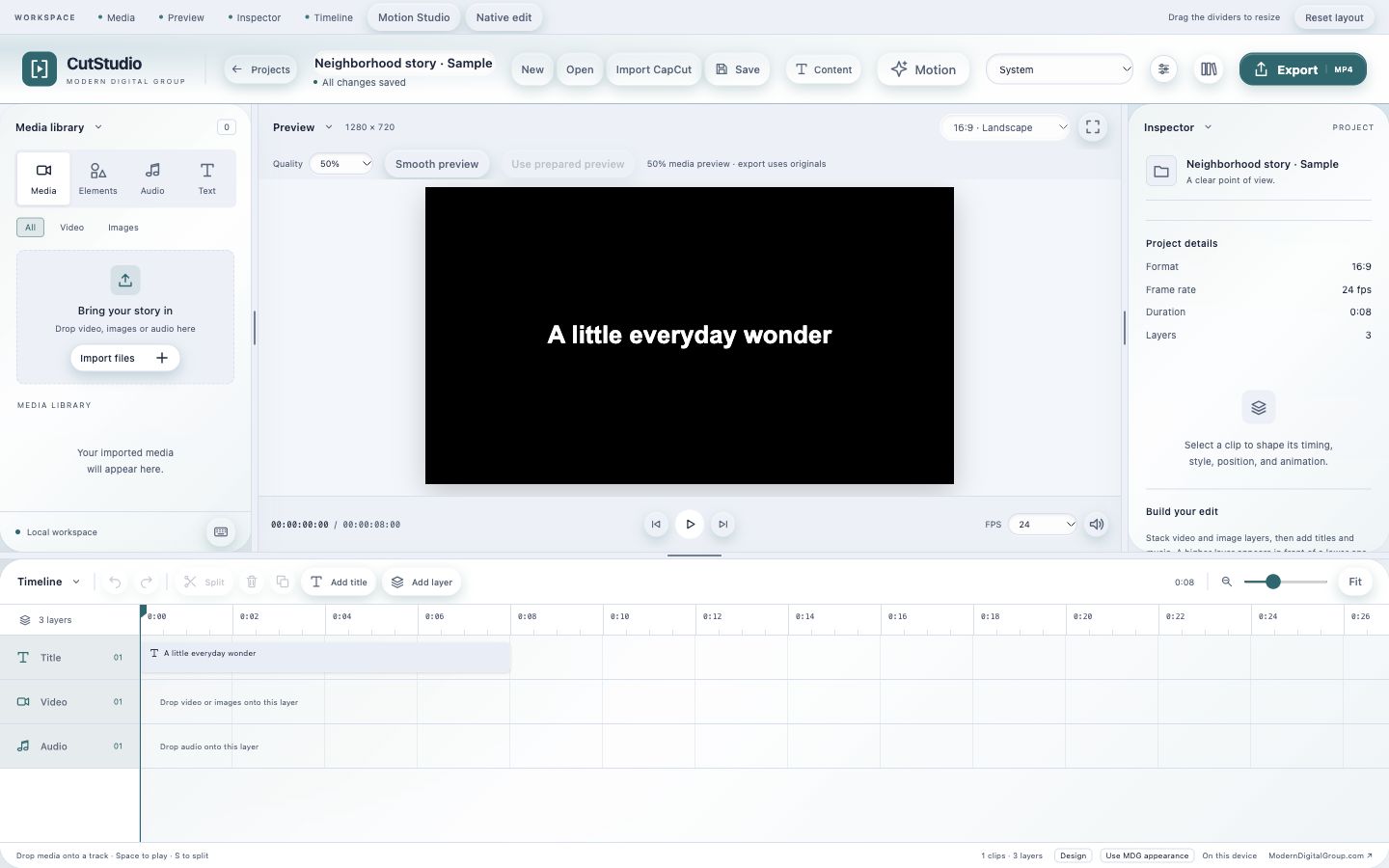
Edit video and audio locally, then export a finished piece.
Keep ideas, drafts, media and your next creative step together.
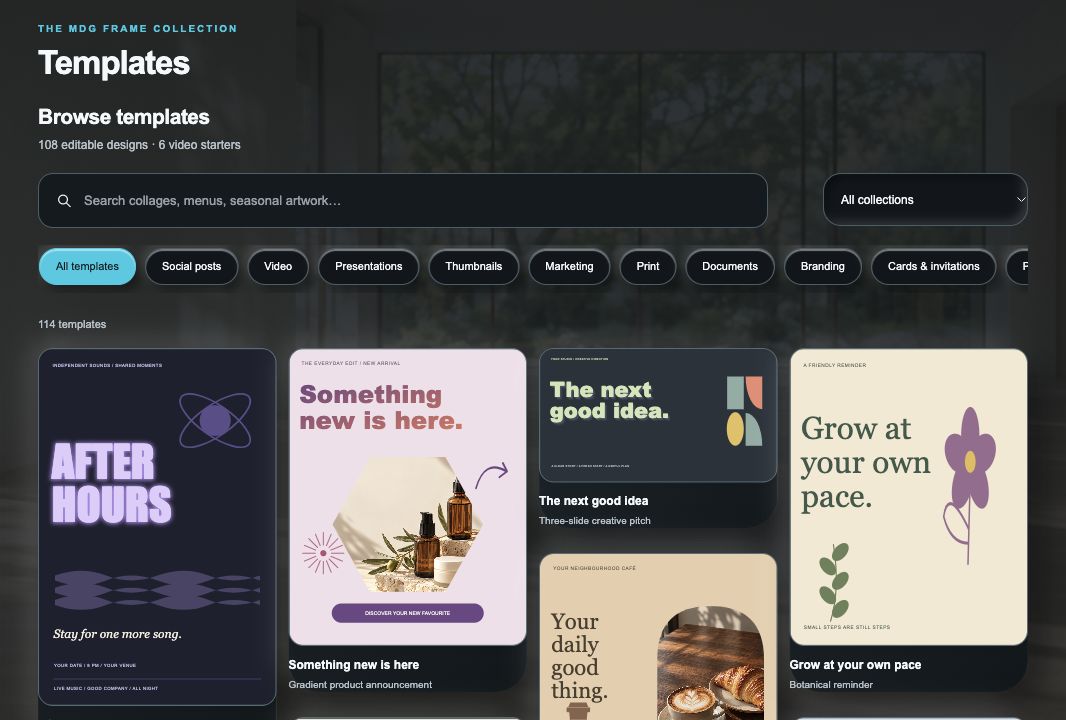
Create graphics, covers and visual layouts in a dedicated creative space.