Modern Digital Group
Your connected space for what matters.
Opening Modern Digital Group…
Modern Digital GroupYour connected space for what matters.
Opening Modern Digital Group…
Modern Digital GroupYour connected space for what matters.
Opening Modern Digital Group…
Modern Digital GroupOwnScreen’s direction is a deliberate device-to-device workflow with approval and pairing. Its current MDG page explains the setup boundary; it cannot start a remote screen connection.
Coming soon. The screen runtime and device pairing are not included in the current MDG release.
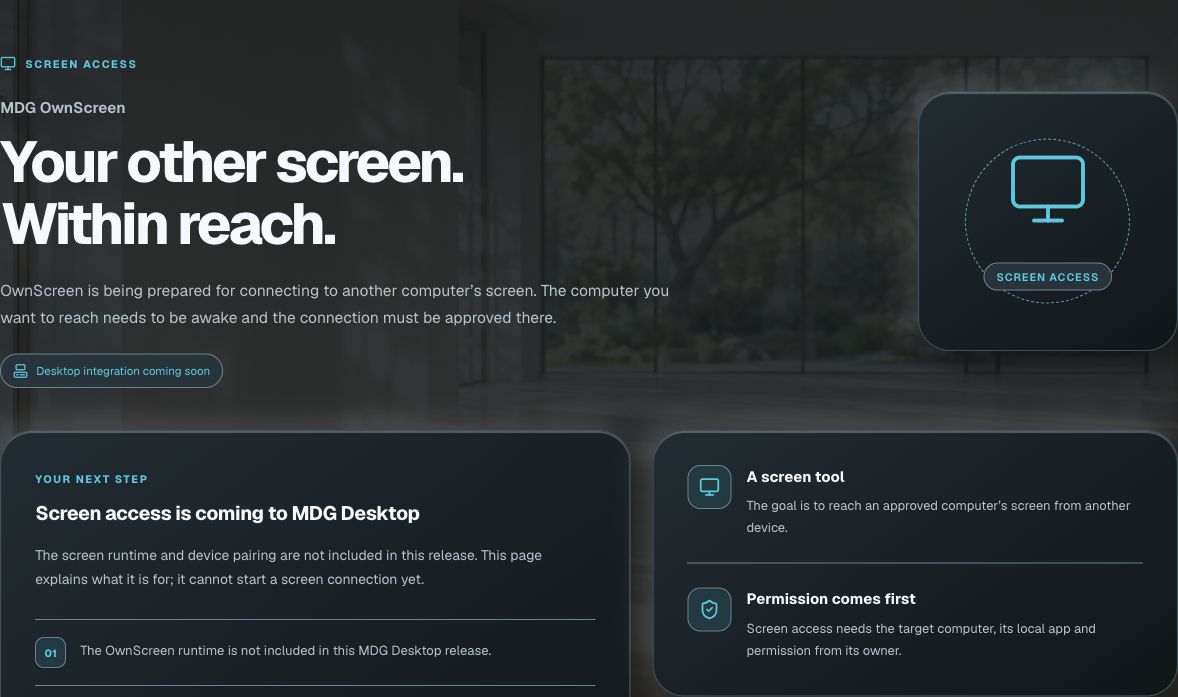
Approved screen access is being prepared for the MDG desktop ecosystem.
The intended workflow begins with device pairing and the other person’s permission.
A working remote session needs the screen runtime, not just a web Page or MDG sign-in.
The existing setup page explains what is being prepared without claiming a live connection.
Coming soon. The screen runtime and device pairing are not included in the current MDG release.
Explore the rest of MDGReview the current OwnScreen availability page.
Use MDG’s available tools while the integration is prepared.
Wait for a supported device-pairing and screen-runtime release.
The app’s current availability and your account’s access still apply.
No. The required screen runtime and device-pairing integration are not available through this release.
No. MDG sign-in alone never grants remote device permission.
Start with your existing MDG sign-in. Connected apps keep their own records, device requirements and access rules. A shared sign-in does not combine every project, plan or paid feature.
Coming soon. The screen runtime and device pairing are not included in the current MDG release.
Move files between Windows, Mac, iPhone and iPad through a shared room.
Introduce yourself, share your work and make the next connection easier.
Explore stock and crypto watchlists, daily ranges and grouped market trends.