Modern Digital Group
Your connected space for what matters.
Opening Modern Digital Group…
Modern Digital GroupYour connected space for what matters.
Opening Modern Digital Group…
Modern Digital GroupYour connected space for what matters.
Opening Modern Digital Group…
Modern Digital GroupKeep a trainer’s consultation process and next steps in a dedicated app. Enter through MDG and continue with Fit Consultation’s existing client and business tools.
Use MDG sign-in to continue. Existing Fit Consultation users can connect their saved account through the supported account-linking flow. Some features have their own plan requirements.
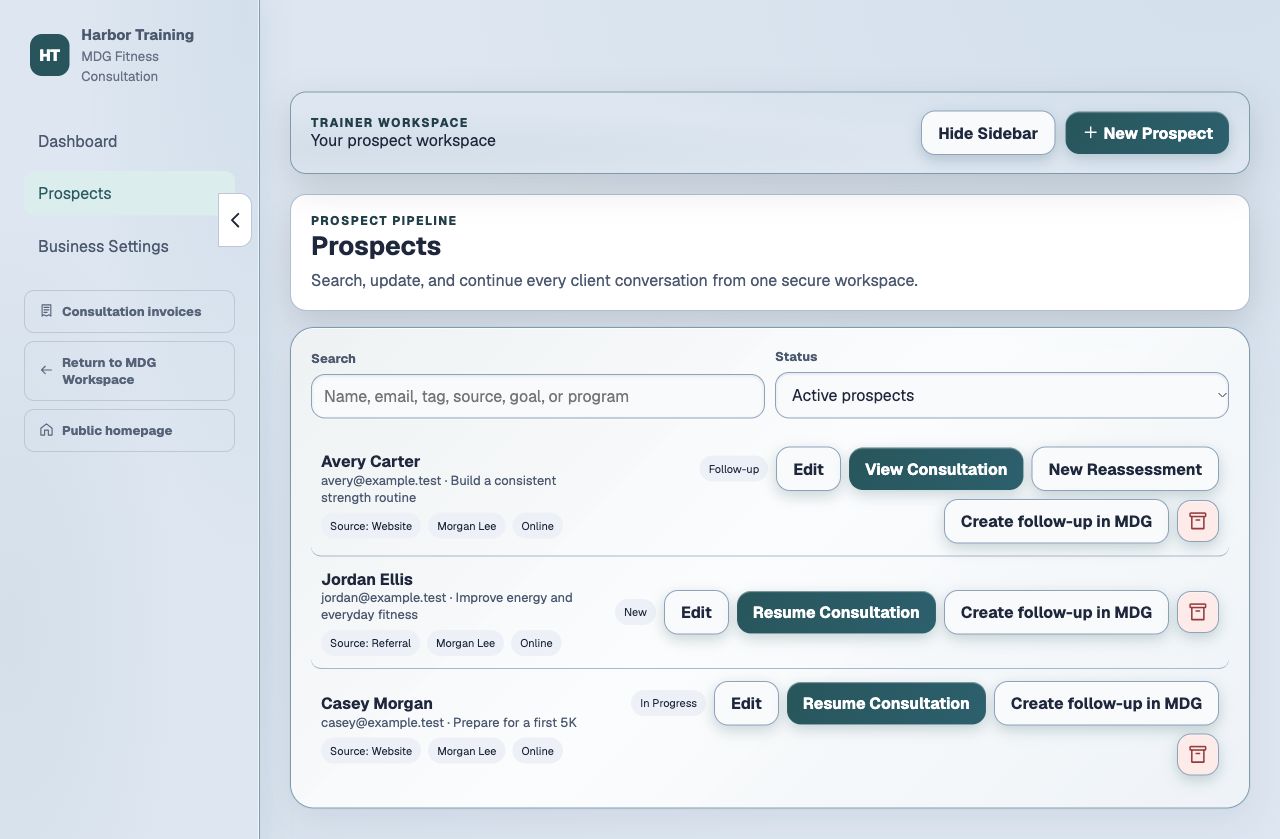
A focused space for trainer consultations, client records and the follow-up.
Work through the consultation with the prospect’s information and the conversation in one place.
Keep client records and follow-up work in the dedicated Fit Consultation workspace.
Connect an existing saved Fitness account when needed, rather than starting over with a second set of client records.
Use MDG sign-in to continue. Existing Fit Consultation users can connect their saved account through the supported account-linking flow. Some features have their own plan requirements.
Explore the rest of MDGSign in through MDG and open Fit Consultation.
Choose or connect your existing Fitness workspace.
Continue the consultation and save the next follow-up.
The app’s current availability and your account’s access still apply.
Opening Fit Consultation does not move or combine your existing records. It keeps its own original service and account-linking rules.
No. Fit Consultation keeps its own subscription and feature requirements. Review the options inside the app for your account.
Start with your existing MDG sign-in. Connected apps keep their own records, device requirements and access rules. A shared sign-in does not combine every project, plan or paid feature.
Use MDG sign-in to continue. Existing Fit Consultation users can connect their saved account through the supported account-linking flow. Some features have their own plan requirements.
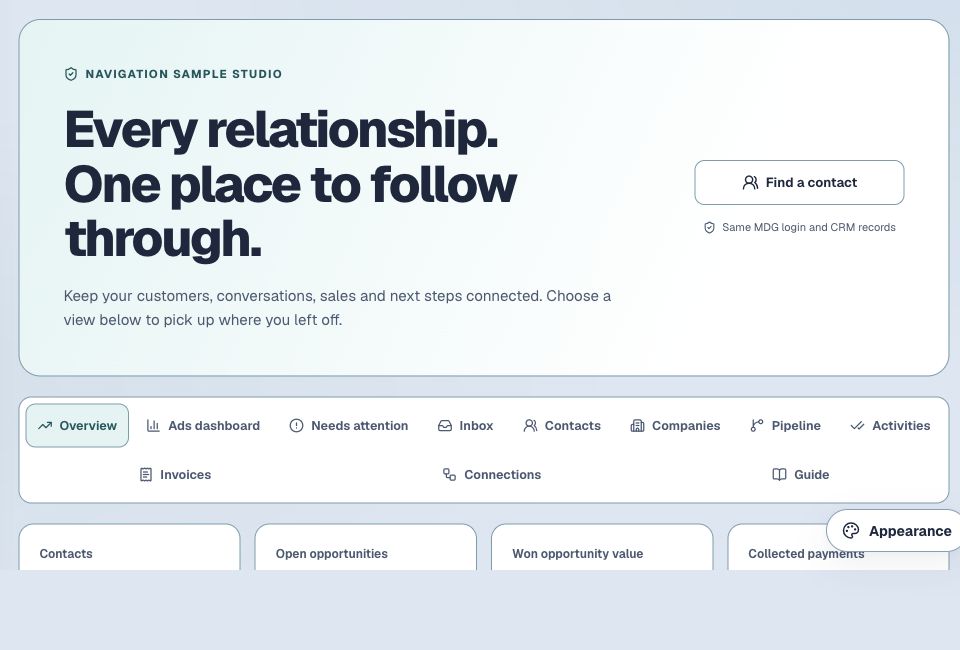
Customers, conversations, opportunities and follow-ups in the business workspace you choose.
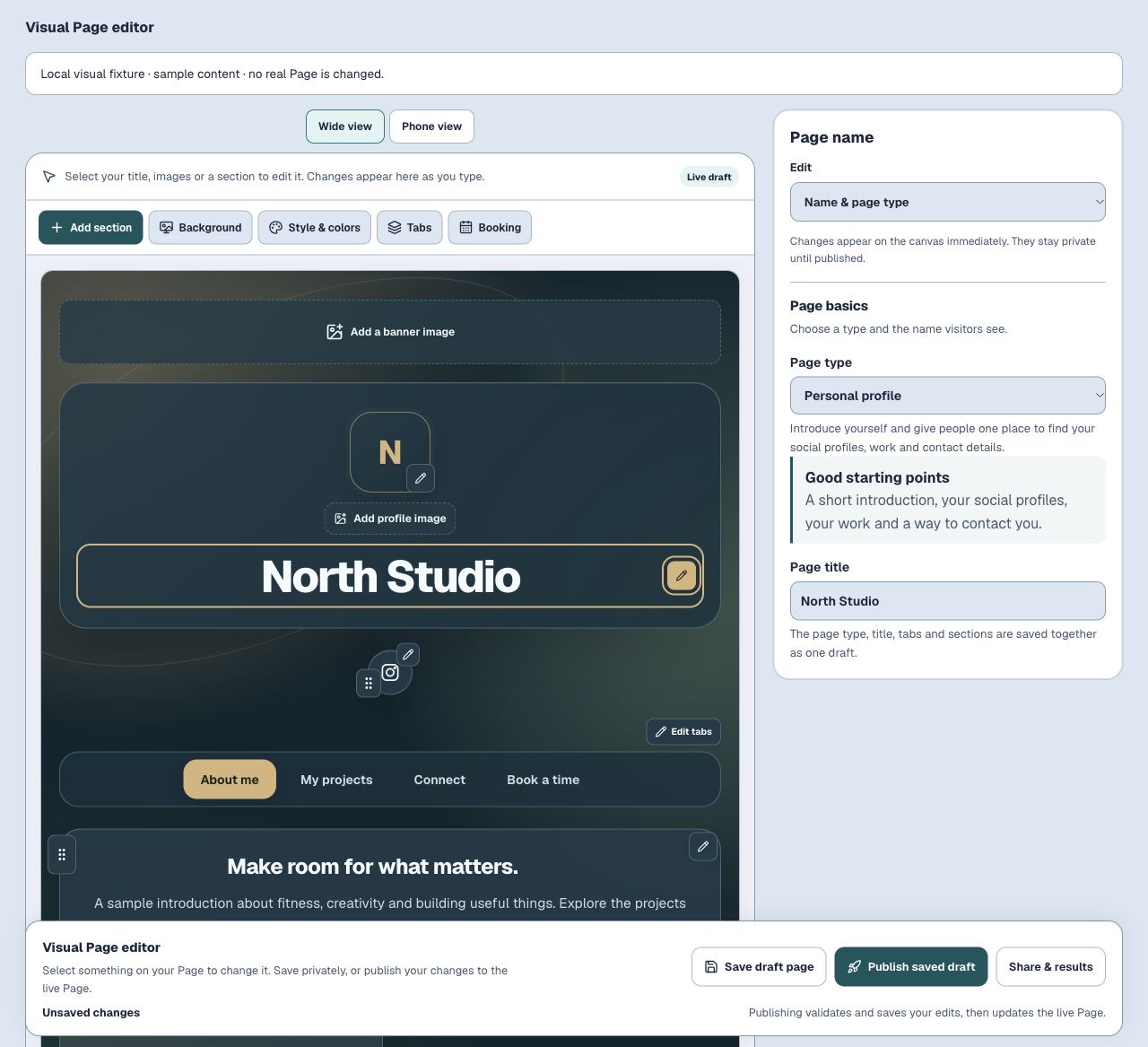
Introduce yourself, share your work and make the next connection easier.
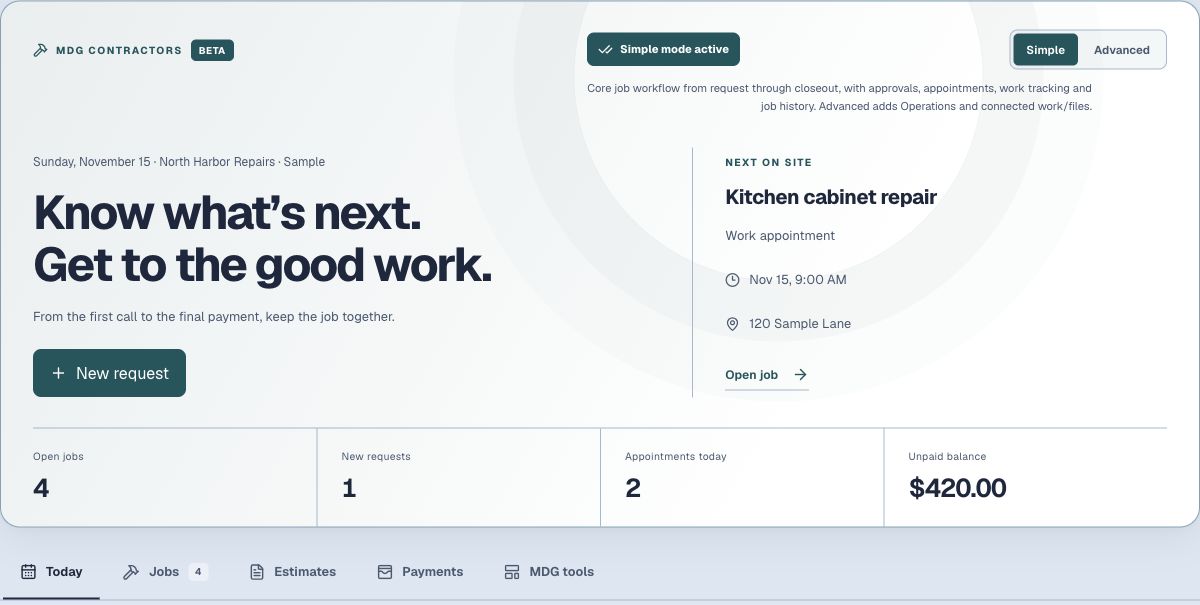
Bring requests, estimates, visits, job costs and invoices into one contractor workspace.